



Riders
Go on duty when you choose, accept deliveries near you, and get paid to your Wave number.
- Go on and off duty in one tap
- See what you earn before you accept
- Proof of every payment in the app
Order from restaurants near you in the Damia Go app, pay with Wave, and follow your order all the way to your gate.
Open the Damia Go app, search for a dish or a restaurant, and add what you want to eat.
Check your order, add anything you missed, and pay in the app.
Watch each step from the restaurant to your door. Check your order, then give your delivery code to the rider.
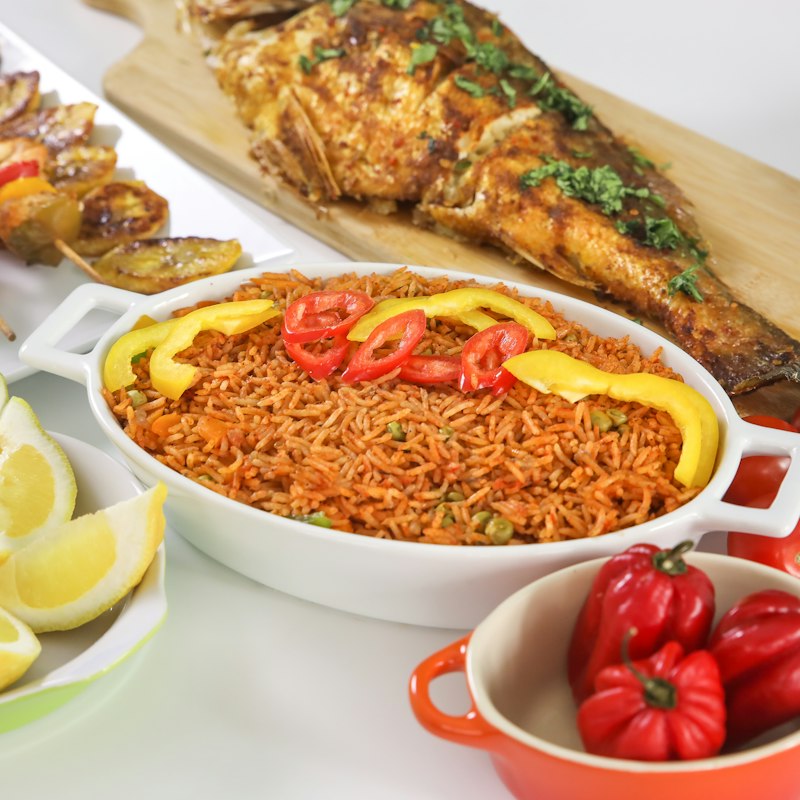
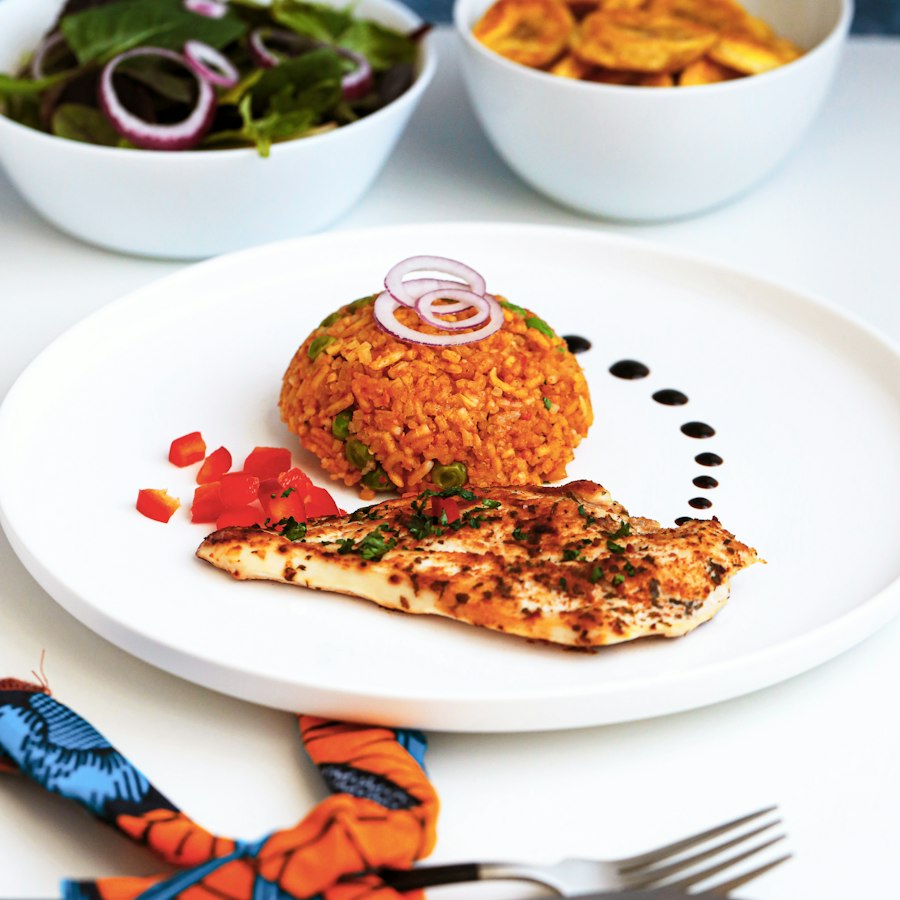
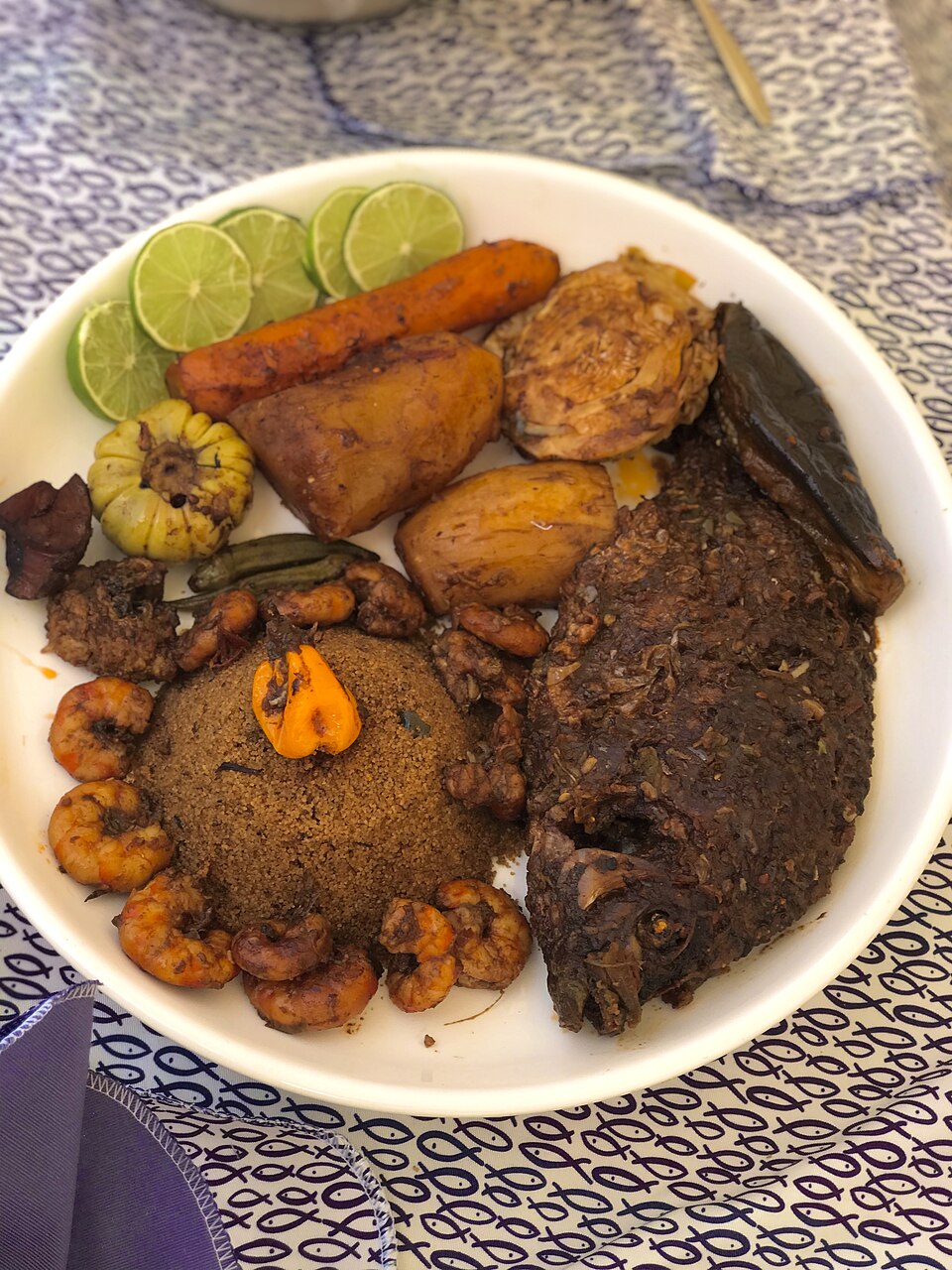
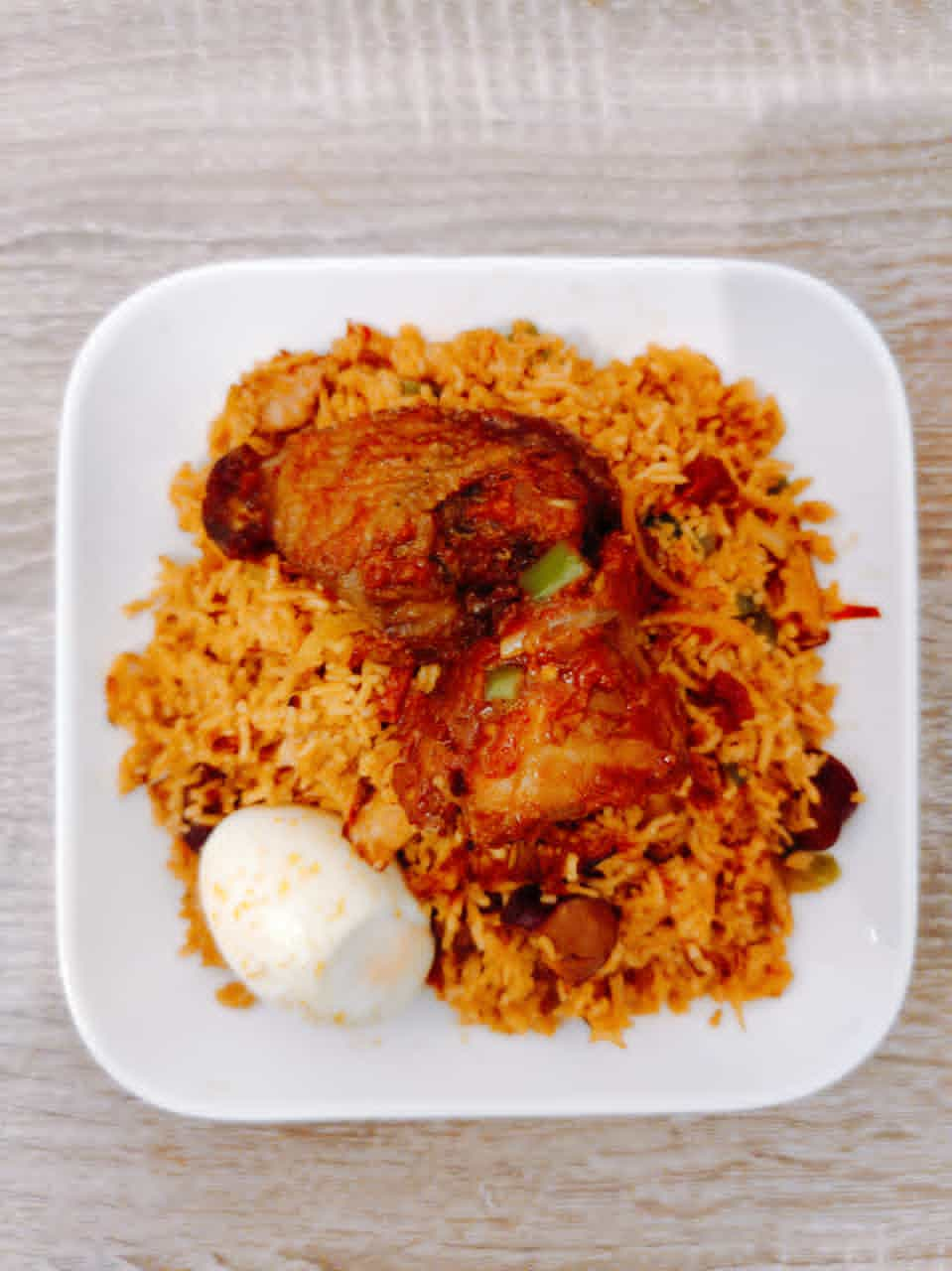 Benachin
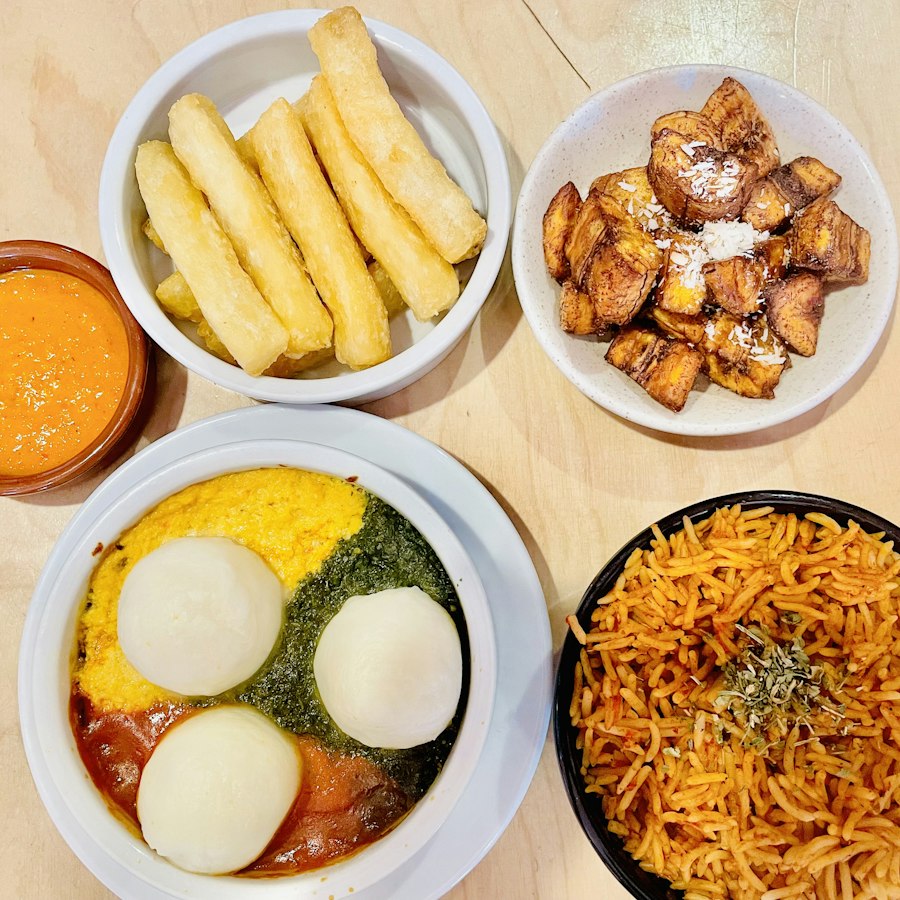
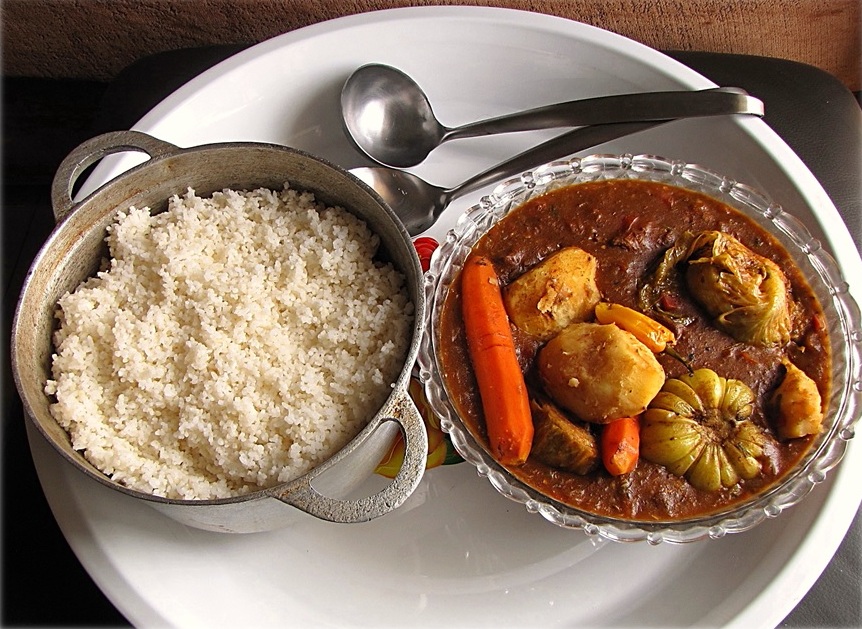 Domoda
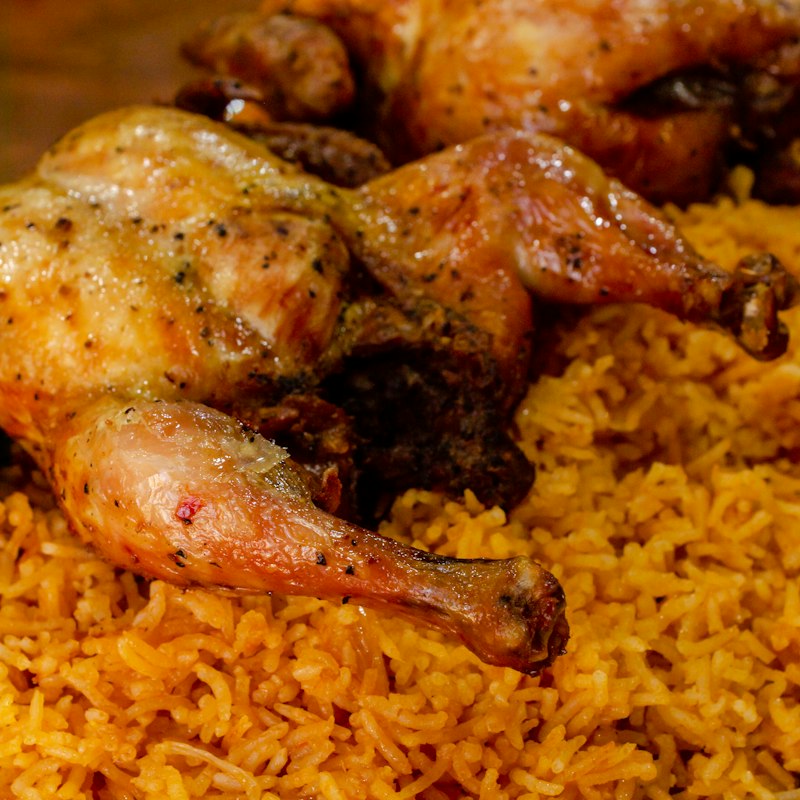
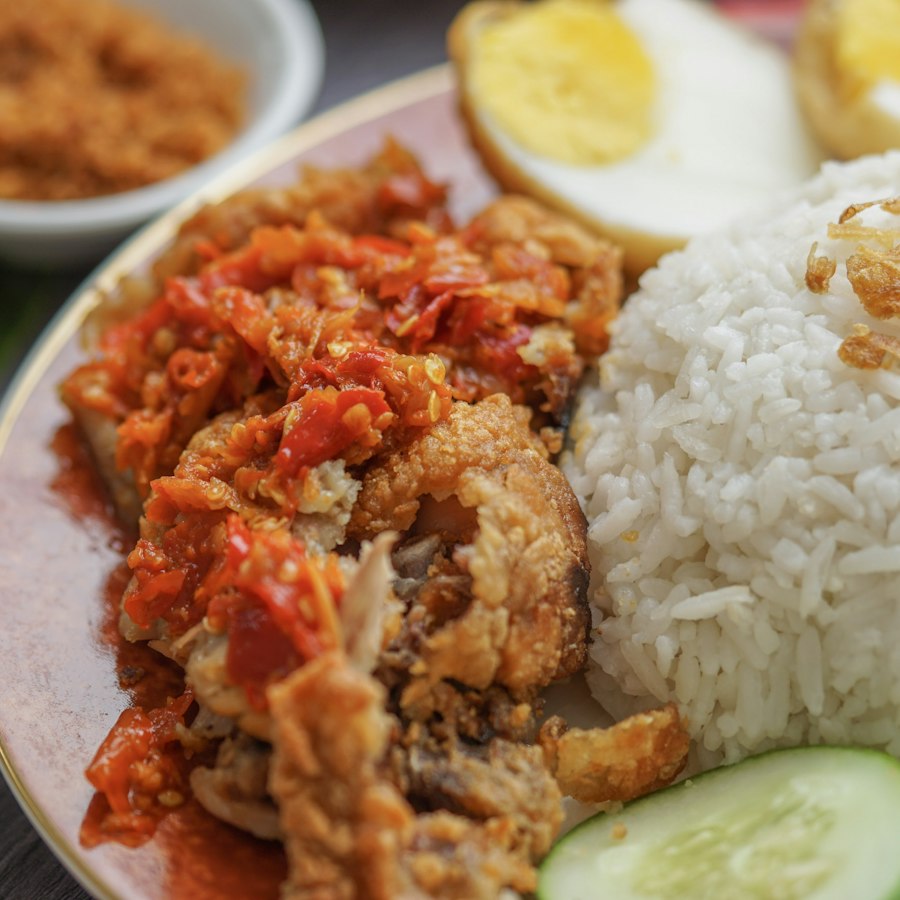
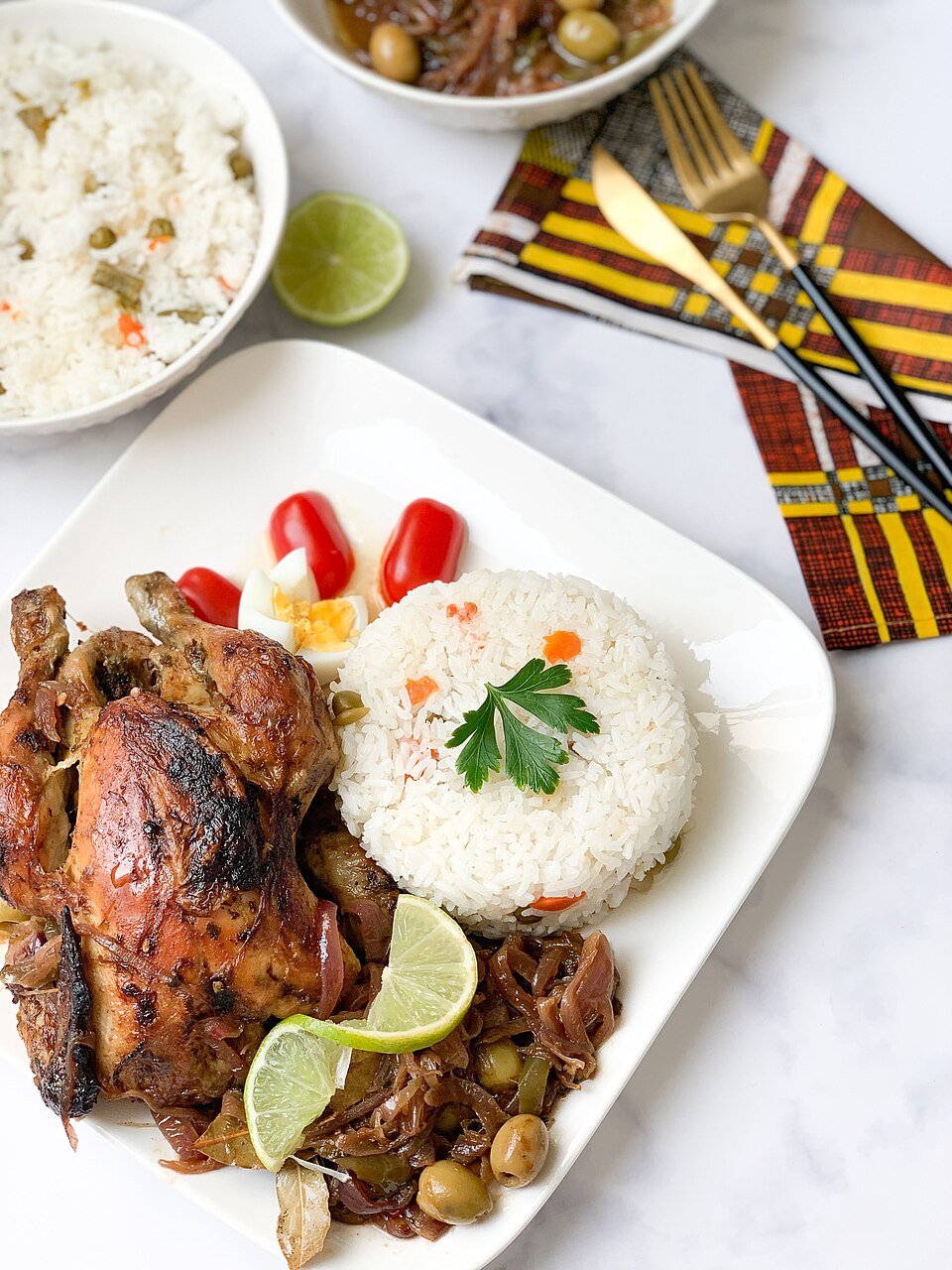 Chicken Yassa
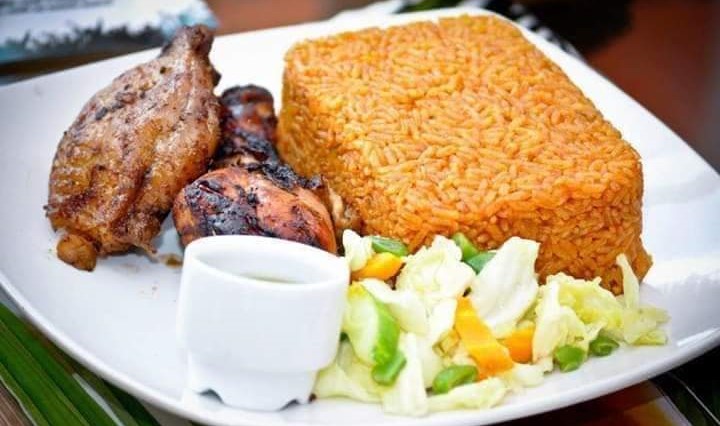
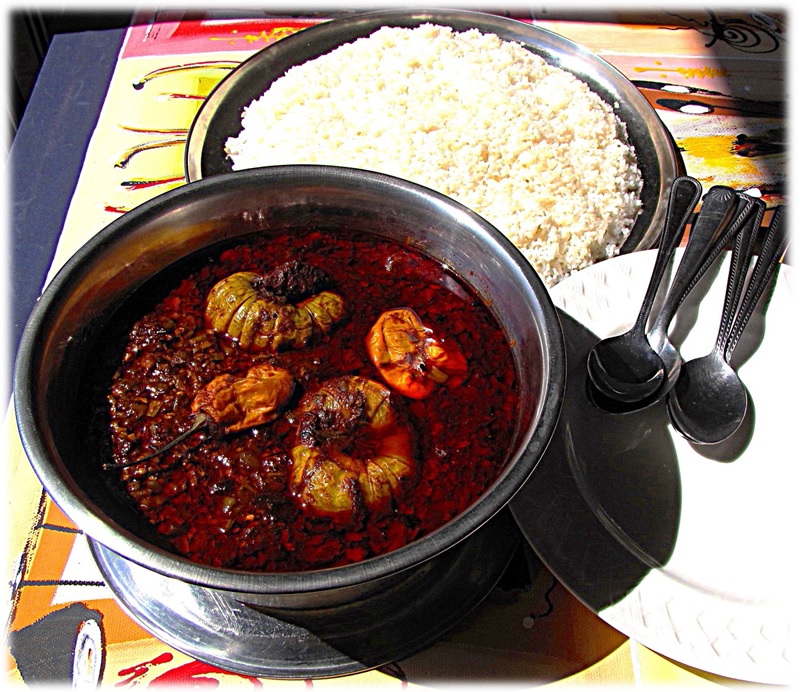 Superkanja
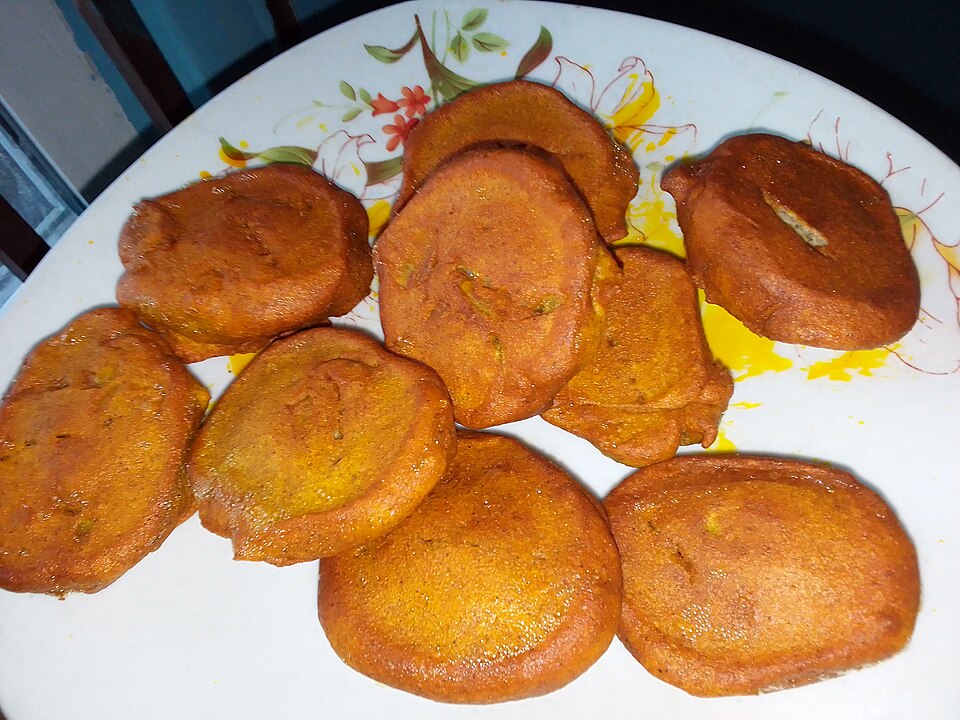 Akara
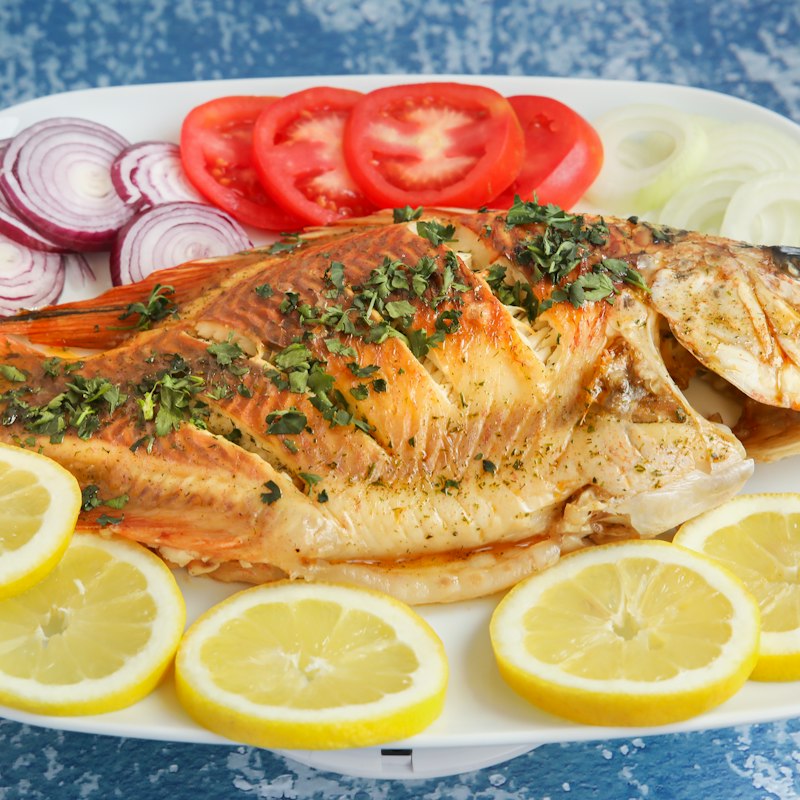
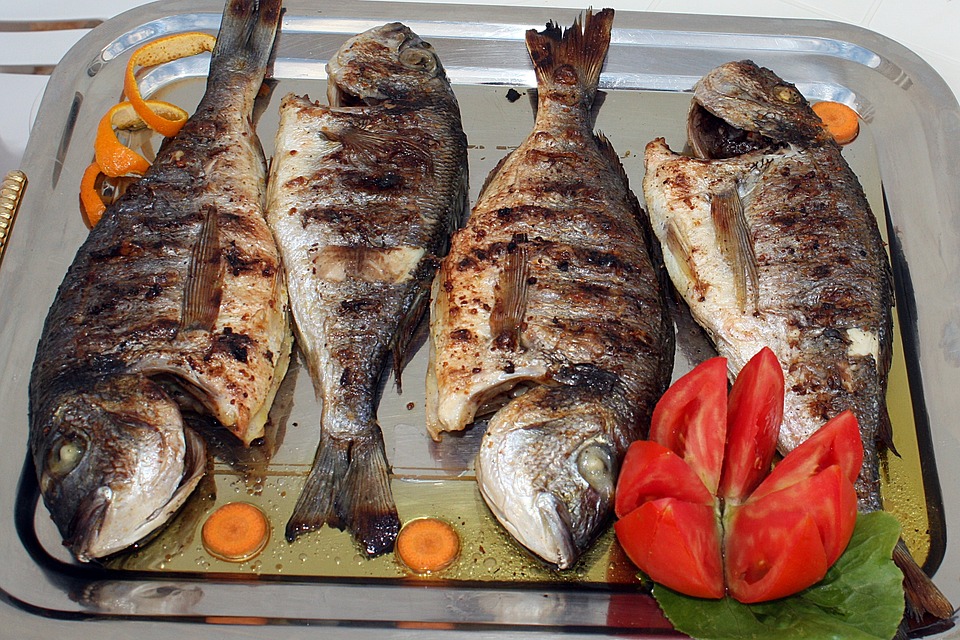 Grilled Fish
Riders
Go on duty when you choose, accept deliveries near you, and get paid to your Wave number.
Restaurants
Receive orders on your phone, manage your menu and opening hours, and get paid to your Wave number.
Download the Damia Go app, choose a restaurant, add your food and place the order. The restaurant prepares it and a rider brings it to you.
Orders are paid with Wave, in the app, when you place the order.
The app shows each step: the restaurant accepting your order, the food being prepared, the rider collecting it and the rider on the way to you.
Every order has a code shown in your app. When the rider arrives, check that everything you ordered is there and is correct, then give the rider the code. Giving the code means you have accepted the order, and it cannot be refunded after that.
Create a rider account in the Damia Go Partners app. See the Riders page for what you need.
Create a restaurant account in the Damia Go Partners app. Damia Go approves the account, then the app opens for you.
Call support on 744 3600.